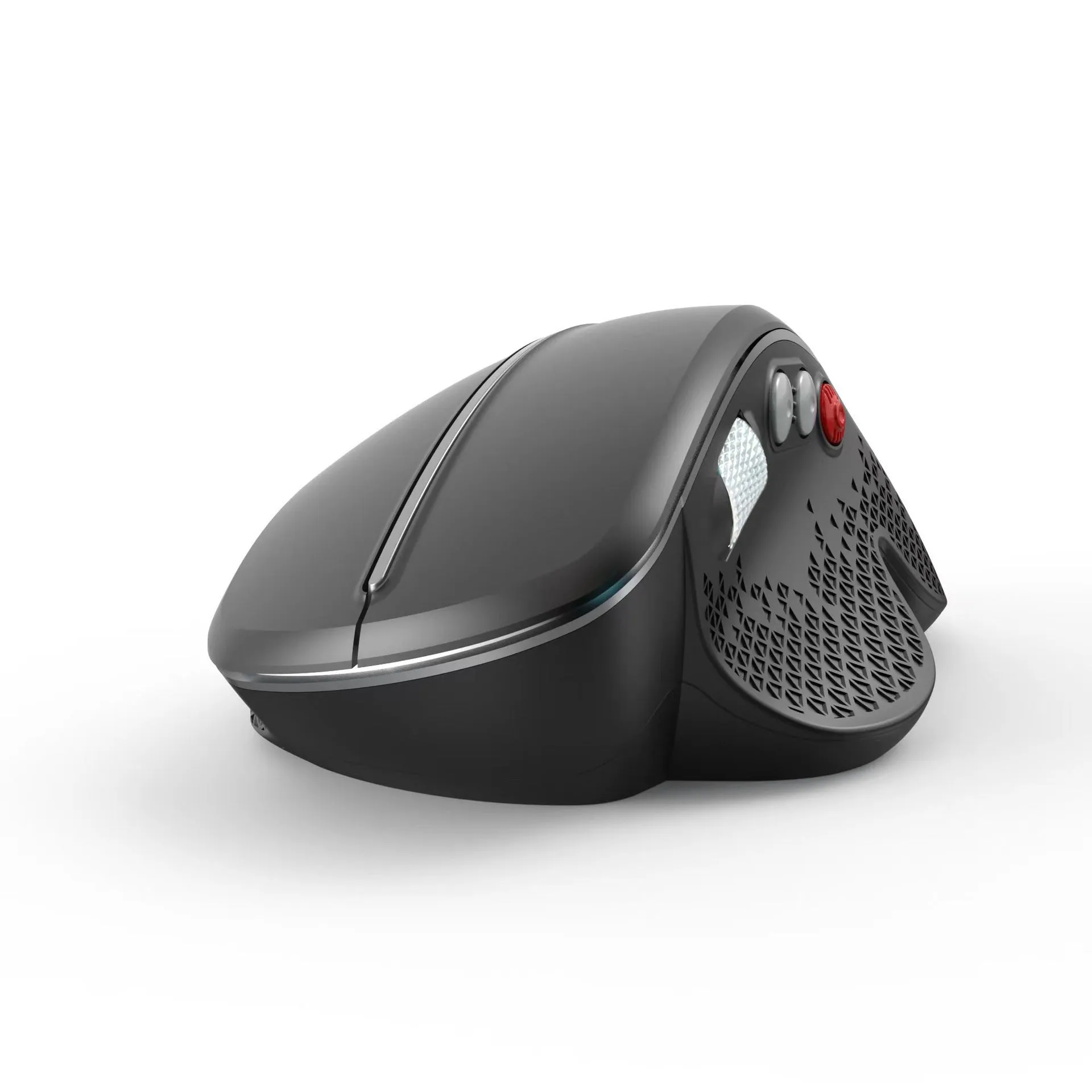
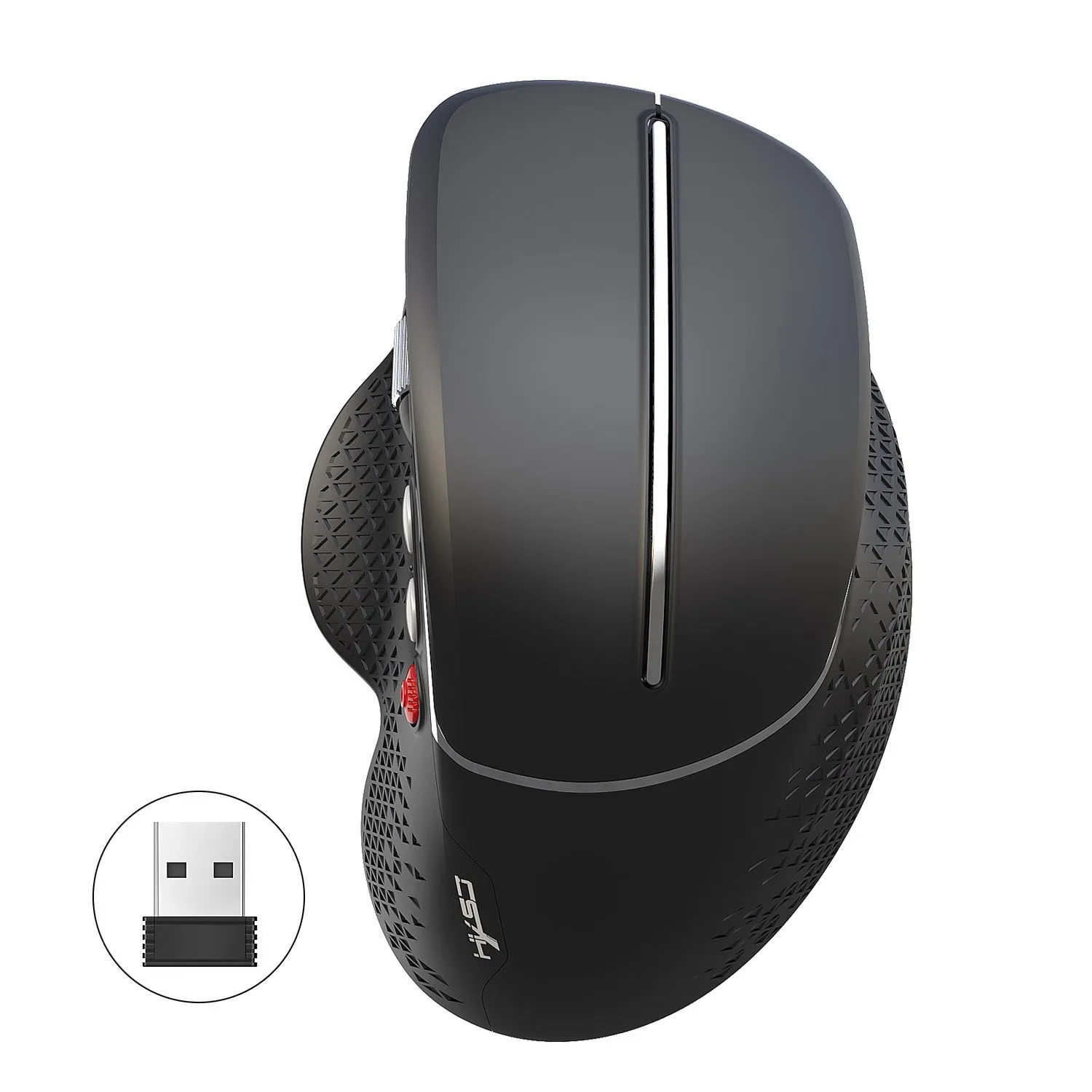
Wireless vertical mouse ergonomic side roller T32 model black silver 2.4GHz wireless 6 keys 4800FPS with aluminium side roller for office and casual gaming


Wireless vertical mouse ergonomic side roller T32 model black silver 2.4GHz wireless 6 keys 4800FPS with aluminium side roller for office and casual gaming
T32 Wireless Vertical Mouse: Ergonomic Side-Horizontal Design with Aluminium Roller
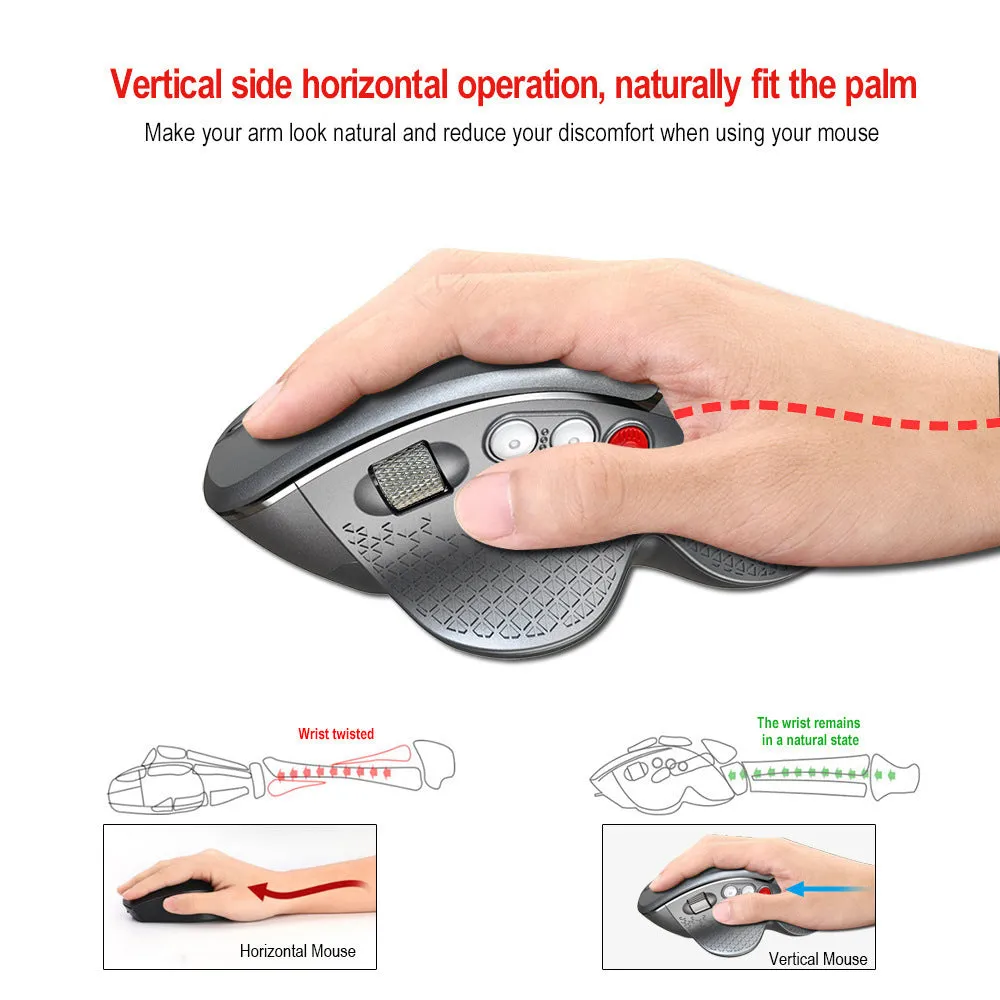
Designed for users seeking a more comfortable computing experience, the T32 wireless vertical mouse introduces an ergonomic side-horizontal operation. This design encourages a neutral 'handshake' grip to potentially alleviate the discomfort commonly known as 'mouse hand'. Its 2.4GHz wireless technology offers a 10-metre range of reliable connectivity, suitable for a variety of desk setups in home offices or flexible work environments. Available in sophisticated black or silver matte finishes, this mouse combines its ergonomic benefits with practical features like a four-speed DPI switch and a distinct aluminium side roller, making it a functional choice for extended work sessions and casual gaming.
Features and Construction
The T32 mouse is defined by its concrete specifications and thoughtful build. Its primary goal is to provide an alternative to traditional mouse shapes, supported by precise technical components designed for responsive everyday use.
Material and Build
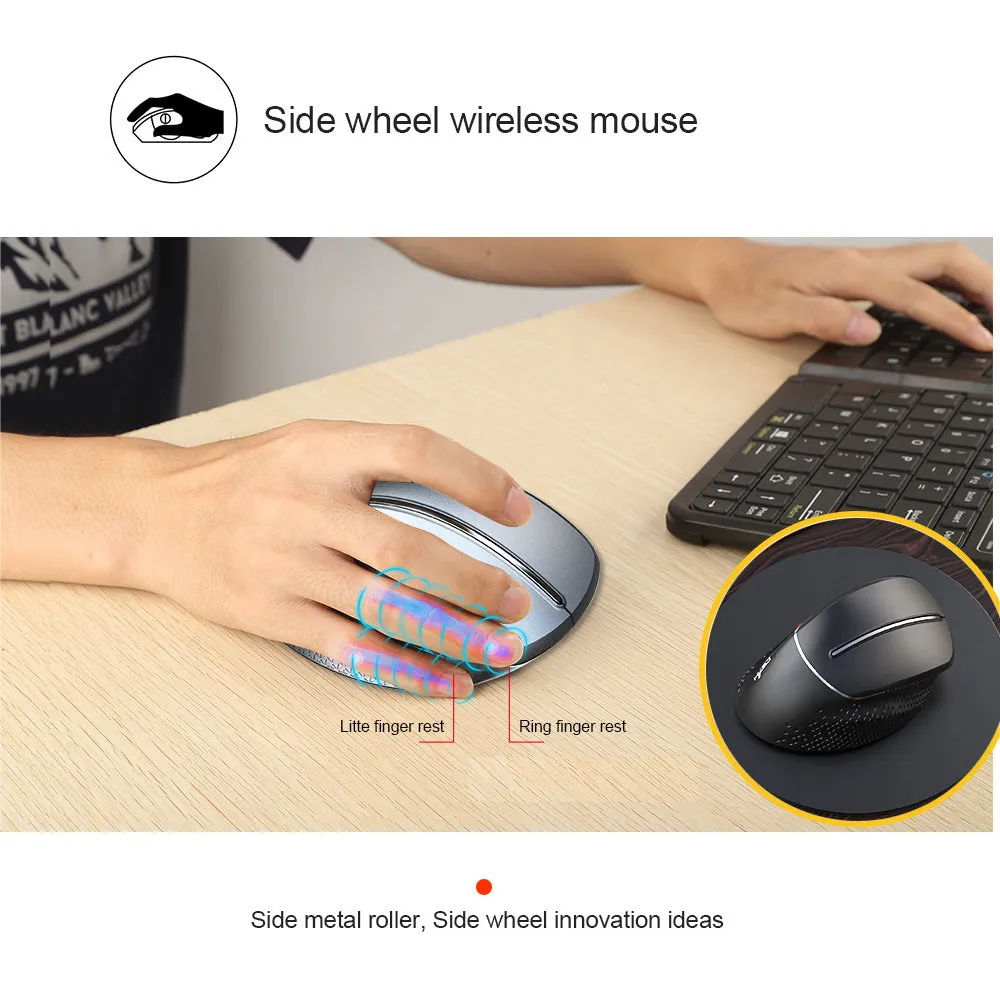
The construction centres on its innovative aluminium side roller, which provides a durable and cool-to-the-touch surface for scrolling. The main housing features a matte texture finish, available in either black or silver grey, designed to resist fingerprints. Internally, it uses micro switches rated for 10 million clicks, indicating a focus on component longevity for its key mechanisms.
Size and Practical Fit
This vertical mouse has a compact footprint, measuring 12.5cm in length, 8cm in width, and 5.5cm in height. With a net weight of just 89 grams, it feels lightweight in the hand. The dimensions are engineered to support its unique vertical posture, aiming to fit the hand's natural resting position without occupying excessive desk space, while the packaging measures 13.8cm by 9.3cm by 6.5cm.
Uses and Placement

The T32's specifications make it versatile for different settings. Its design considerations balance ergonomic health with functional performance for various user scenarios.
Event or Professional Use
For professional environments requiring extended computer use, the ergonomic design is its key advantage. The vertical orientation is intended to reduce forearm pronation, which may benefit users experiencing repetitive strain. Its 10-metre wireless range allows for flexible placement in meeting rooms or presentations, and the quiet clicking mechanism suits shared office spaces.
Everyday Home Use
At home, the mouse is applicable for both office tasks and casual gaming, as stated. The four adjustable DPI settings (1200, 1800, 2400, 4800) allow users to switch between precise document editing and faster-paced game navigation quickly. The single AA battery power source is common and easily replaceable, supporting uninterrupted use for daily computing, browsing, and multimedia control.
Benefits and Buying Value

The value proposition of the T32 mouse lies in its combination of an alternative ergonomic form factor with reliable wireless performance and durable components, all presented in a straightforward package.
Reuse and Low Maintenance
The product is designed for ongoing use with minimal upkeep. The aluminium roller and matte plastic surfaces can be maintained by wiping with a dry cloth. The rated 10-million-click micro switches suggest a focus on enduring internal construction. Power is managed efficiently via a single AA battery, with a power switch on the mouse itself to conserve energy when not in use.
Why Choose This Product
This mouse offers a specific solution for those prioritising wrist comfort through its vertical side-horizontal design, a feature not found on standard mice. It pairs this with concrete performance specs: a 4800FPS refresh rate, 30 IPS tracking speed, and 10G acceleration ensure responsive cursor control. The inclusion of a distinctive aluminium roller and six programmable keys adds further utility, making it a data-backed choice for users looking to change their pointing device ergonomics without sacrificing functionality.